
Flowboard
Keep up with the current.
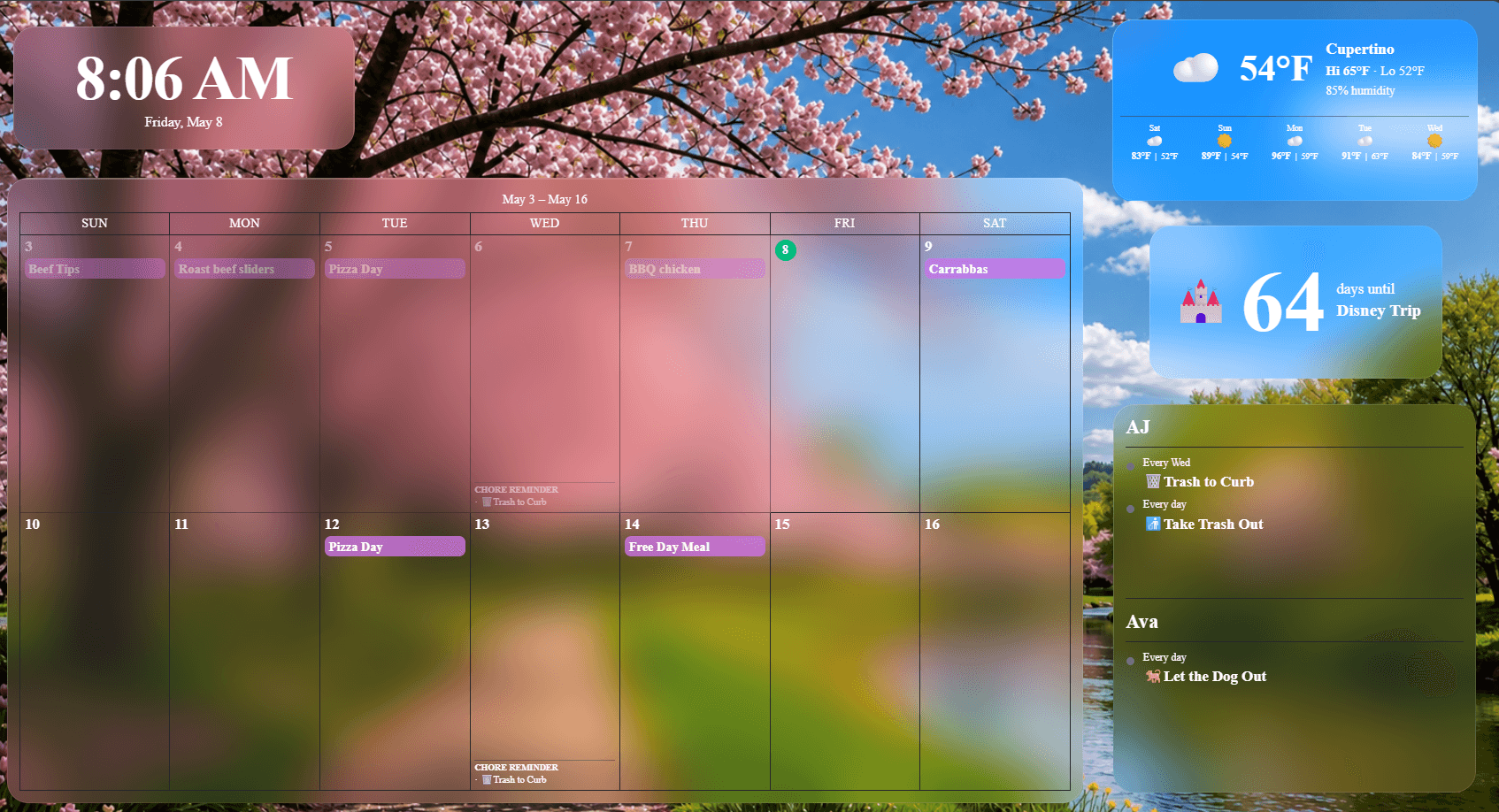
Turn any TV, Fire TV, smart TV, tablet, iPad, or browser into a beautiful family hub in landscape or portrait. Pick Delta for a ready-made board with tabs for calendar, chores, meals, and rewards, or build your own layout widget by widget. Sync Google, Outlook, and iCal calendars, turn PDF schedules into events, then add chores, weather, meal plans, and more. Full access for 30 days, then choose the free plan or keep everything unlocked with one low rate.
Full trial first, no credit card required. Free plan after that. Full access from $4.99/month.
By using Flowboard, you agree to the Terms of Service and acknowledge the Privacy Policy.
Connect & Register
Up and running in minutes
No complicated setup. Just install the app, scan the code, and your family display is live.
 Soon
Soon
 Soon
Soon Soon
SoonOpen Flowboard on your display
Install Flowboard on your device of choice: streaming stick, smart TV, tablet, iPad, Windows PC, or web browser. See all supported devices →
ABC123
Your pairing code appears here
Note the pairing code on your display
The app shows a unique six-character code and a QR code the first time it runs. Keep this screen open while you complete the next step from your phone or computer.
Pair a new display
Dashboard › Settings › Devices
Pair with a scan or a code
Scan the QR code on your TV with your phone and the display pairs in seconds. You can also sign in at Flowboard, head to Settings › Devices, and enter the code by hand. Either way, your display links instantly and is ready to configure.
Customize your widgets and go
Guided setup covers the basics in four quick steps. Pick Delta and your board is ready right there, with tabs for calendar, chores, meals, and rewards. Prefer to build your own? Starter layouts look good from the first minute, and you can fine-tune everything from the dashboard on your phone or computer: connect calendars and task lists, set a background, and drag widgets into place with alignment guides. Either way your family checks off chores right on the display, by touch on a tablet or with the remote on a TV.
No credit card required
Features
Everything your family needs at a glance
Start with the tools your family already uses. Sign in with Google or Microsoft, then layer in the routines that happen at home.
Calendar sync
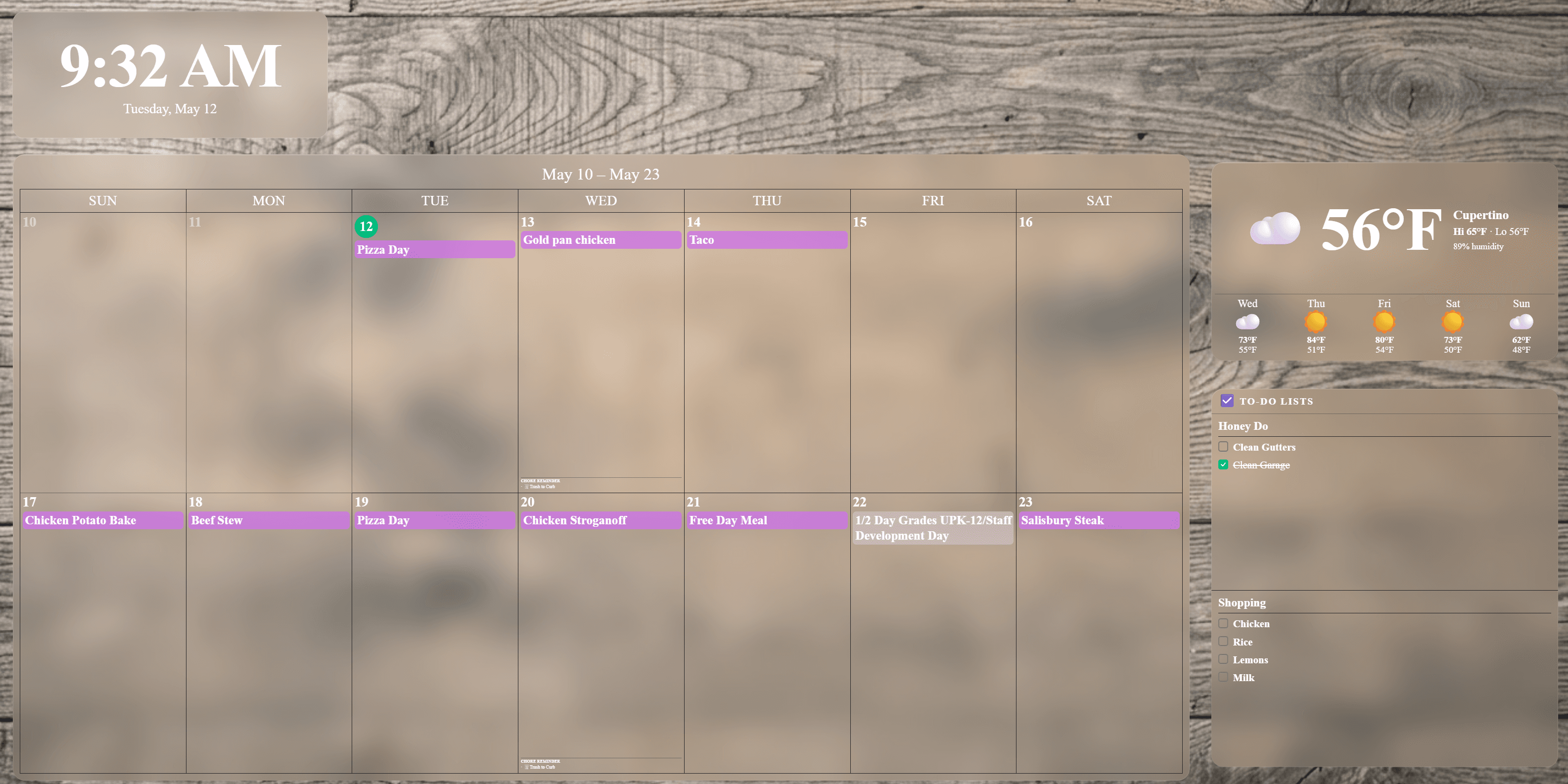
Connect Google Calendar, Outlook Calendar, and iCal feeds so school, work, sports, and family schedules stay visible in one shared display.
Tributary PDF import
Upload any PDF schedule, like a sports practice calendar or school lunch menu, and Flowboard finds the dates for you. Review what it found, tweak anything, and add it all to your calendar and display in one step.
Holiday calendar
Built-in holidays for US federal, cultural, religious, and fun observances show right on your calendar with emoji badges. Choose which packs your family sees.
Live weather
Current conditions and a 5-day forecast alongside your schedule, plus a quick heads-up when it matters, like rain likely this afternoon or bundle up tomorrow.
Meal planning
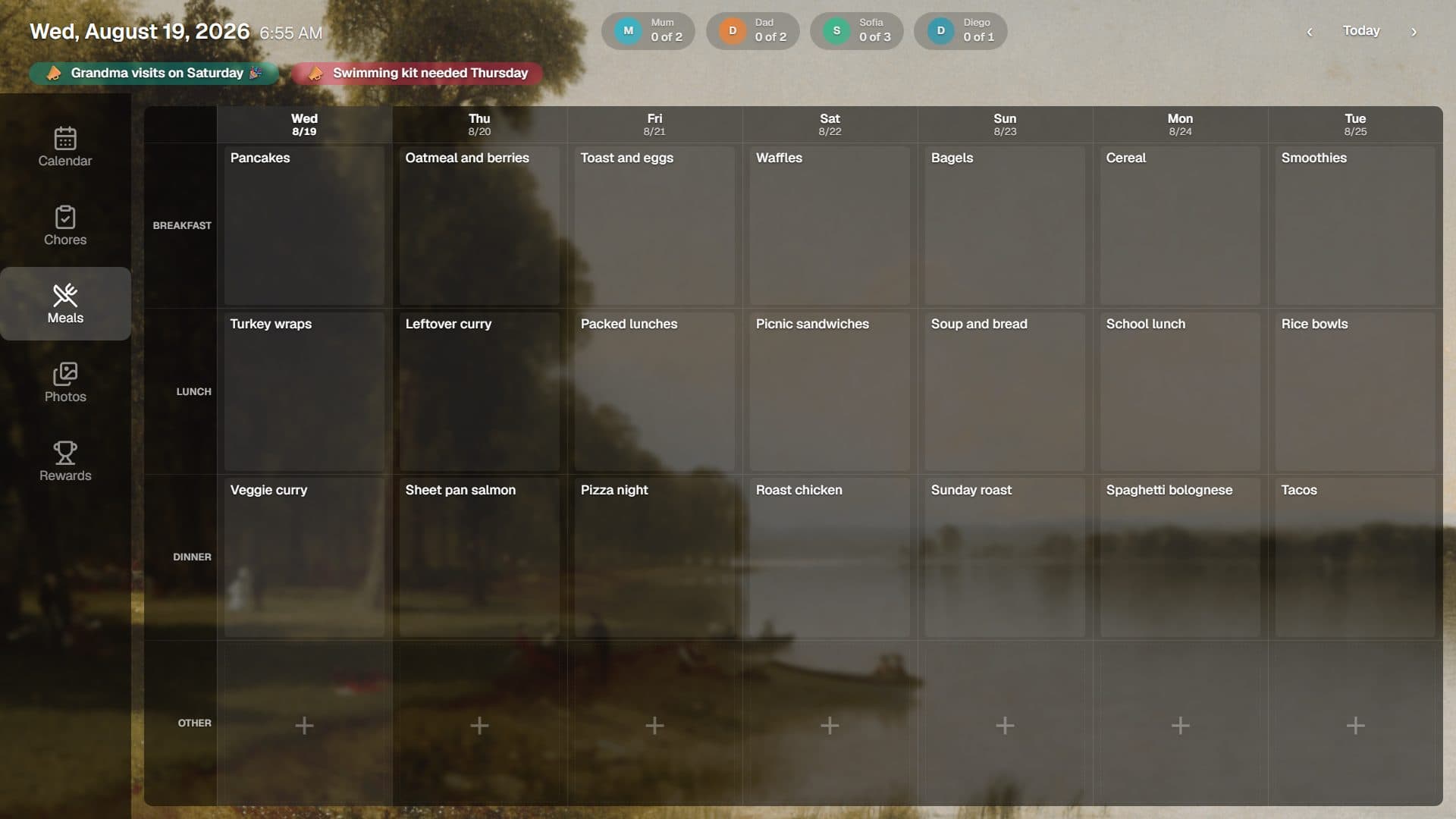
Plan meals across three rolling weeks, import recipes from the web, and generate a grocery list in one tap.
Explore this feature →Daily quotes
Keep your family inspired with a daily quote that automatically rotates every day from a built-in collection. Add your own custom quotes and folders to personalize the rotation.
Notes
Pin markdown notes right on the display. Great for grocery lists, reminders, or anything your family needs to see at a glance.
Announcements
Broadcast messages to the whole family. Announcements scroll or stack on the display so nothing gets missed.
Countdown timers
Count down to birthdays, vacations, and milestones. Flowboard scans your whole upcoming calendar to suggest them, keeps bills and payment due dates out of the mix, and adds each one in one tap with emoji, dates, and labels.
Live stock prices
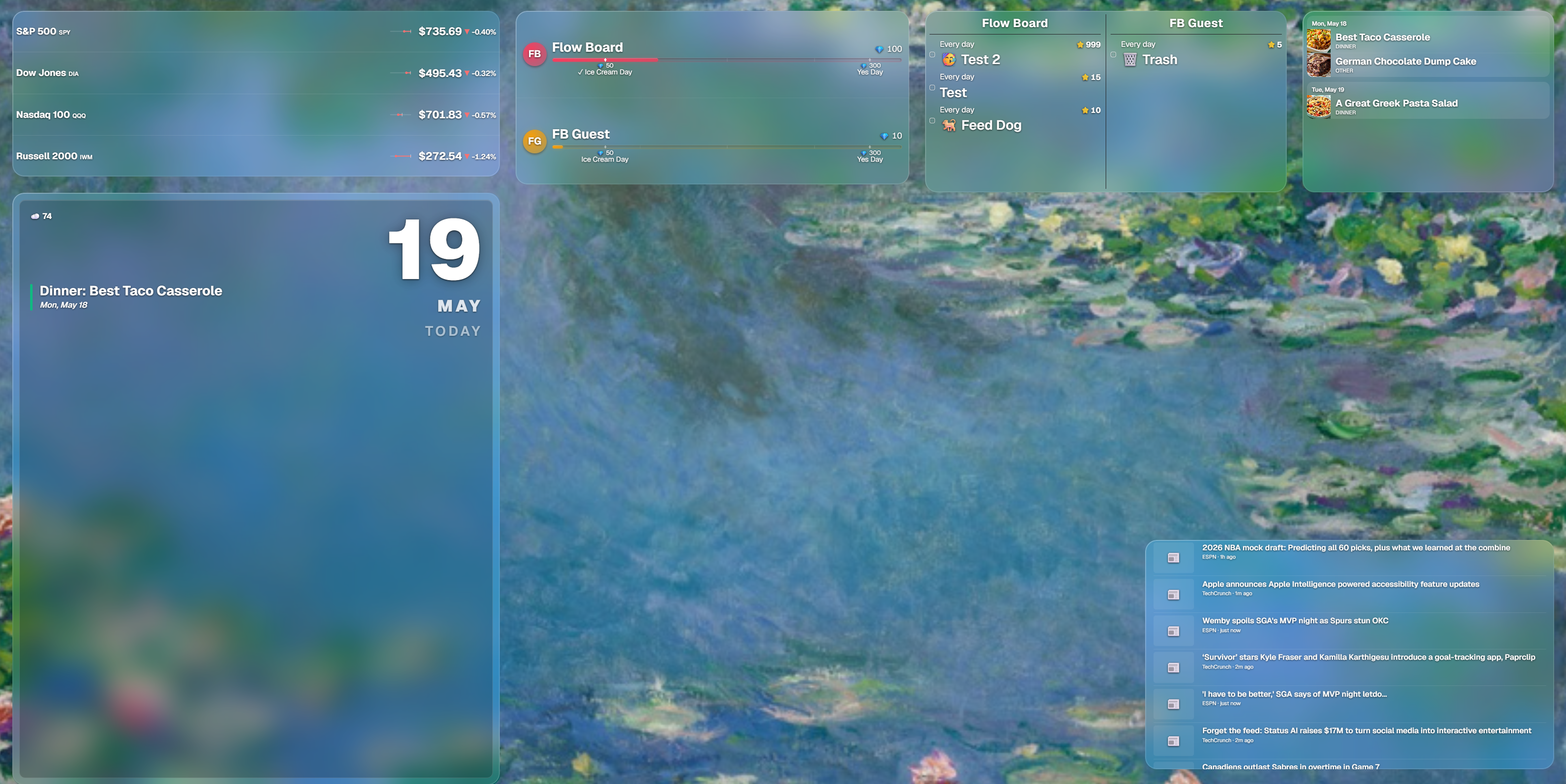
Track your watchlist with live prices, % change, and 30-day sparklines. Market indices (S&P 500, Dow, Nasdaq) and crypto supported.
News headlines
Pull in headlines from any RSS feed. BBC, Reuters, NPR, ESPN, or your own sources, scrolling or ticker-style on the display.
Family chore board
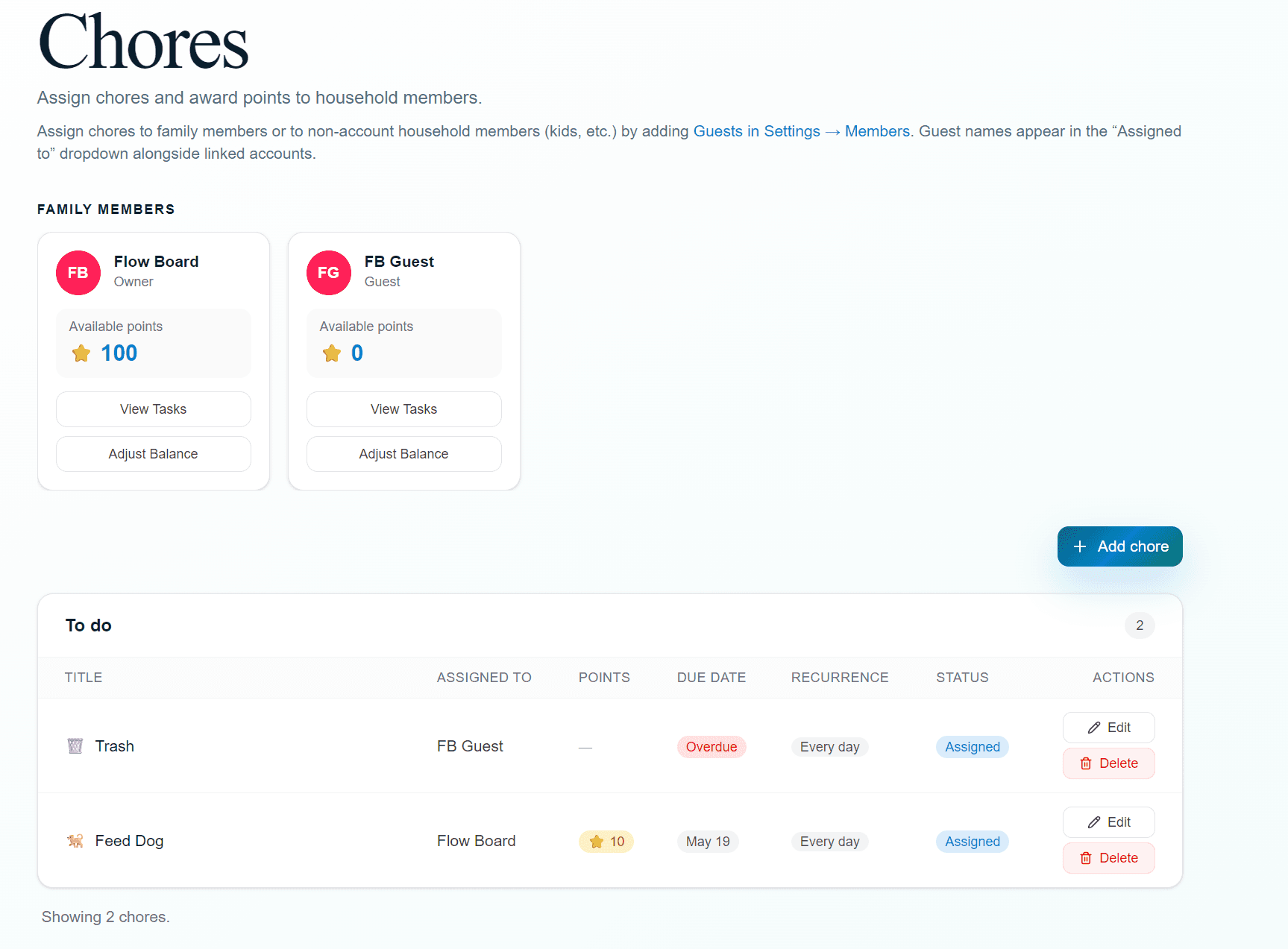
Assign chores, set due dates, award points, and let family members check tasks off from touch-enabled Android tablet displays.
Explore this feature →Rewards
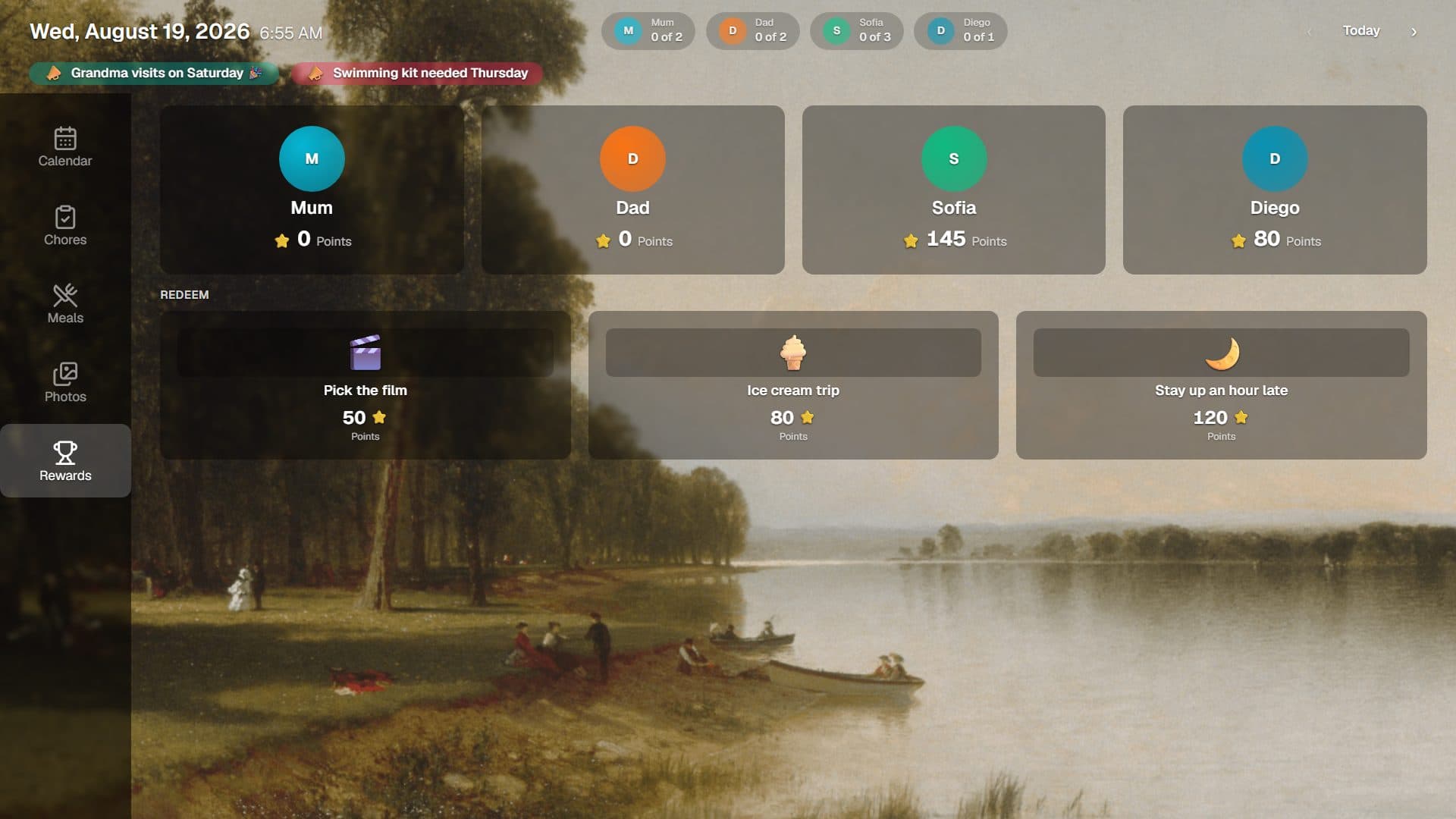
Build a catalog of rewards with custom pricing. Family members spend earned currency on rewards you define, balances are tracked automatically, and every redemption gets celebrated.
Explore this feature →Family to-do list
Add family tasks with notes and formatting, or sync selected Google Tasks lists so shared to-dos live beside the rest of the day's plan.
Photo slideshow
Upload family photos that rotate in the background or a dedicated widget.
Web admin dashboard
Manage everything from your phone or computer with a drag-and-drop layout editor. Widgets snap into alignment, and changes appear on the display instantly.
Go deeper
The routines that run your home
Chores, rewards, and meal planning each have a full page of their own. Here is the short version.
Chores & Rewards
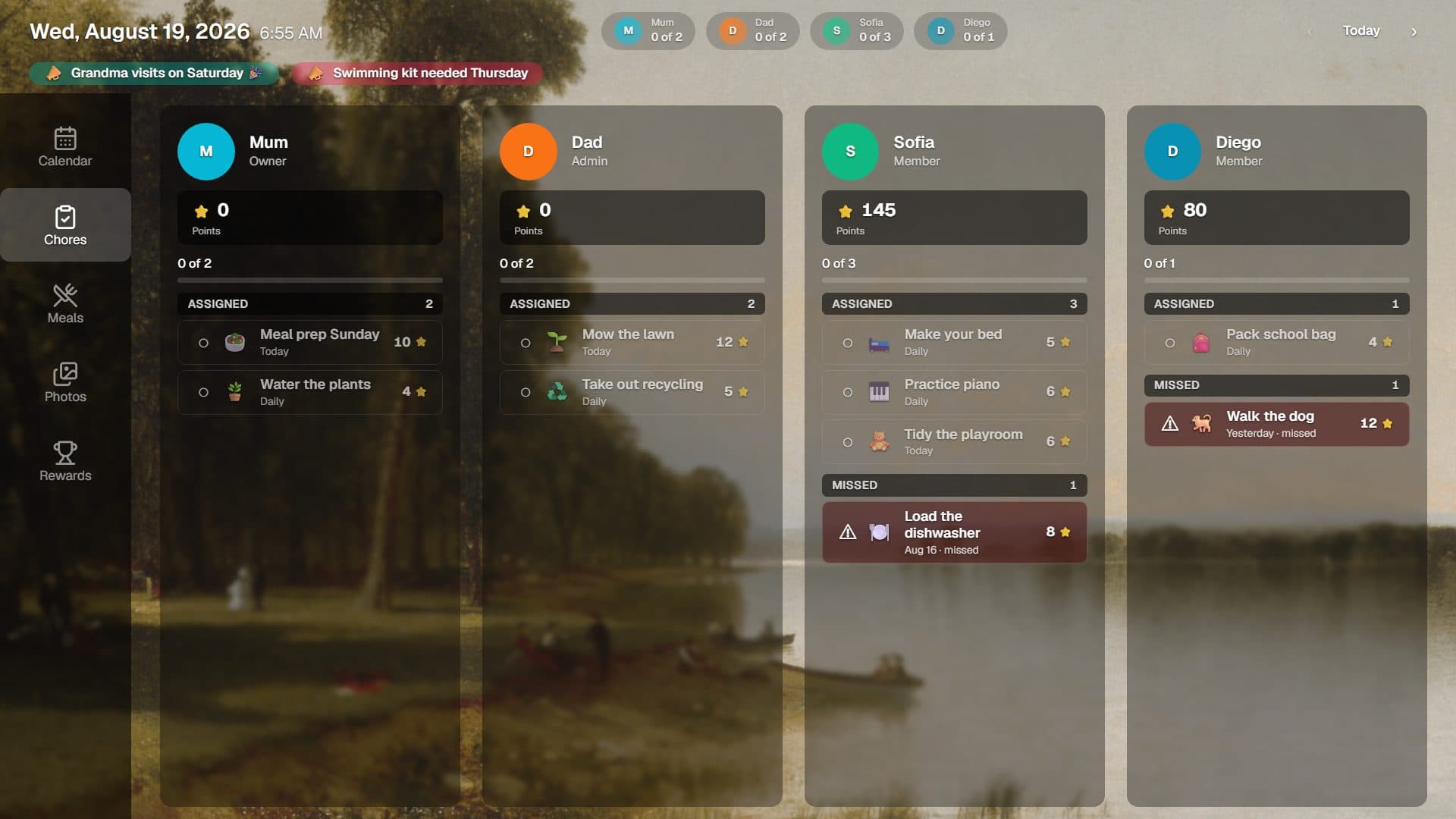
Assign chores with due dates and recurrence, award points for every completion, and let kids spend them in a reward catalog you build. Progress lives on the display, so everyone can see it.
See how chores and rewards work →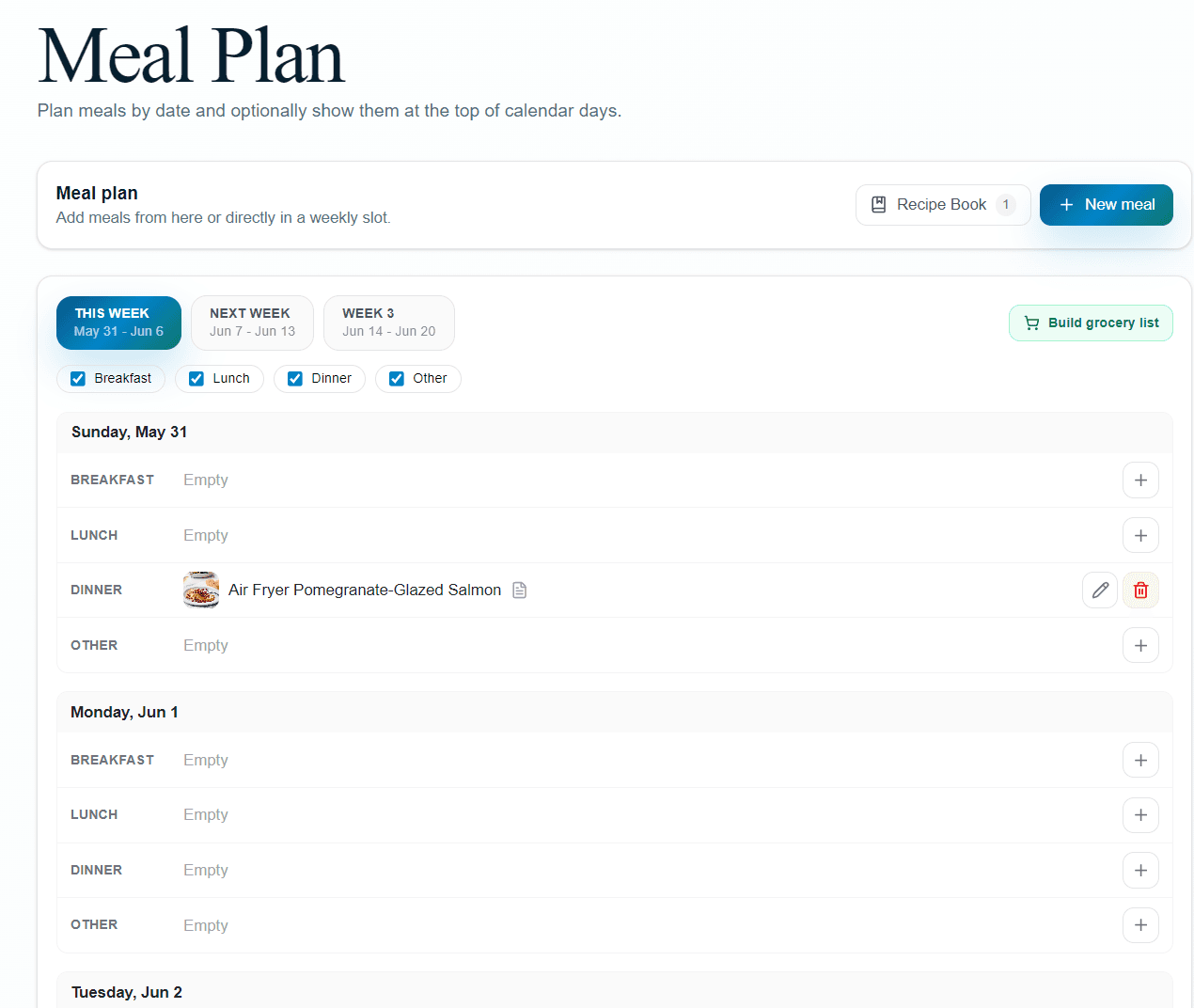
Meal Planning
Plan three rolling weeks of meals, import recipes from any site with a link, and turn the week's ingredients into a shared grocery list in one tap. The menu shows on the display every day.
See how meal planning works →Bring your own display
No special hardware required.
Works on the screen you already have. Streaming sticks, Samsung and LG smart TVs, tablets, iPads, Windows PCs, or a plain web browser. Landscape for TVs, portrait for wall-mounted tablets.
Google Play
Google TV & tablets
Coming soonAmazon Appstore
Fire TV & tablets
Available nowMicrosoft Store
Windows PCs & mini PCs
Available nowSamsung TV Apps
Samsung TVs, 2023 & newer
Coming soonLG Content Store
LG webOS TVs
Coming soonSee it in action
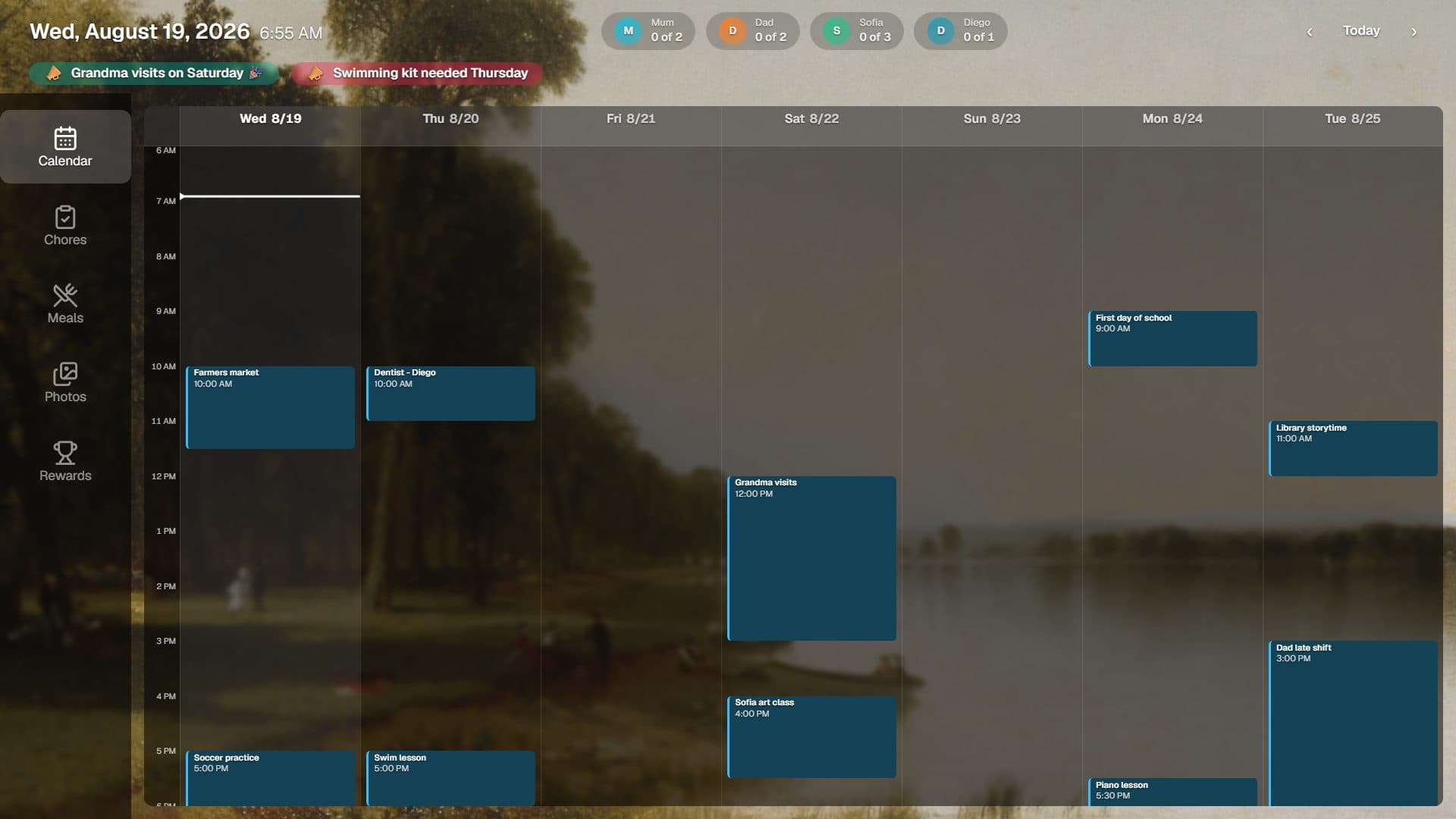
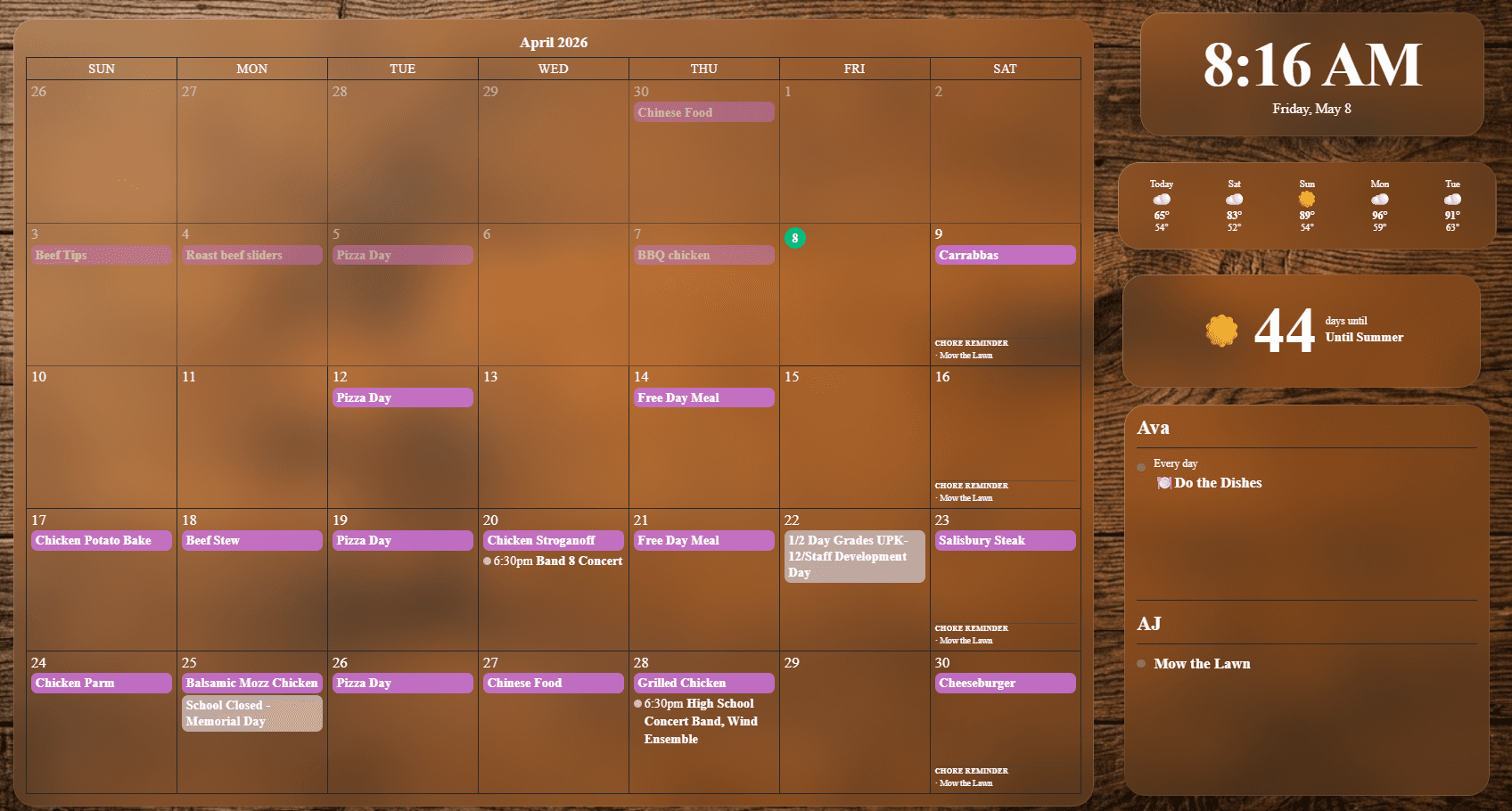
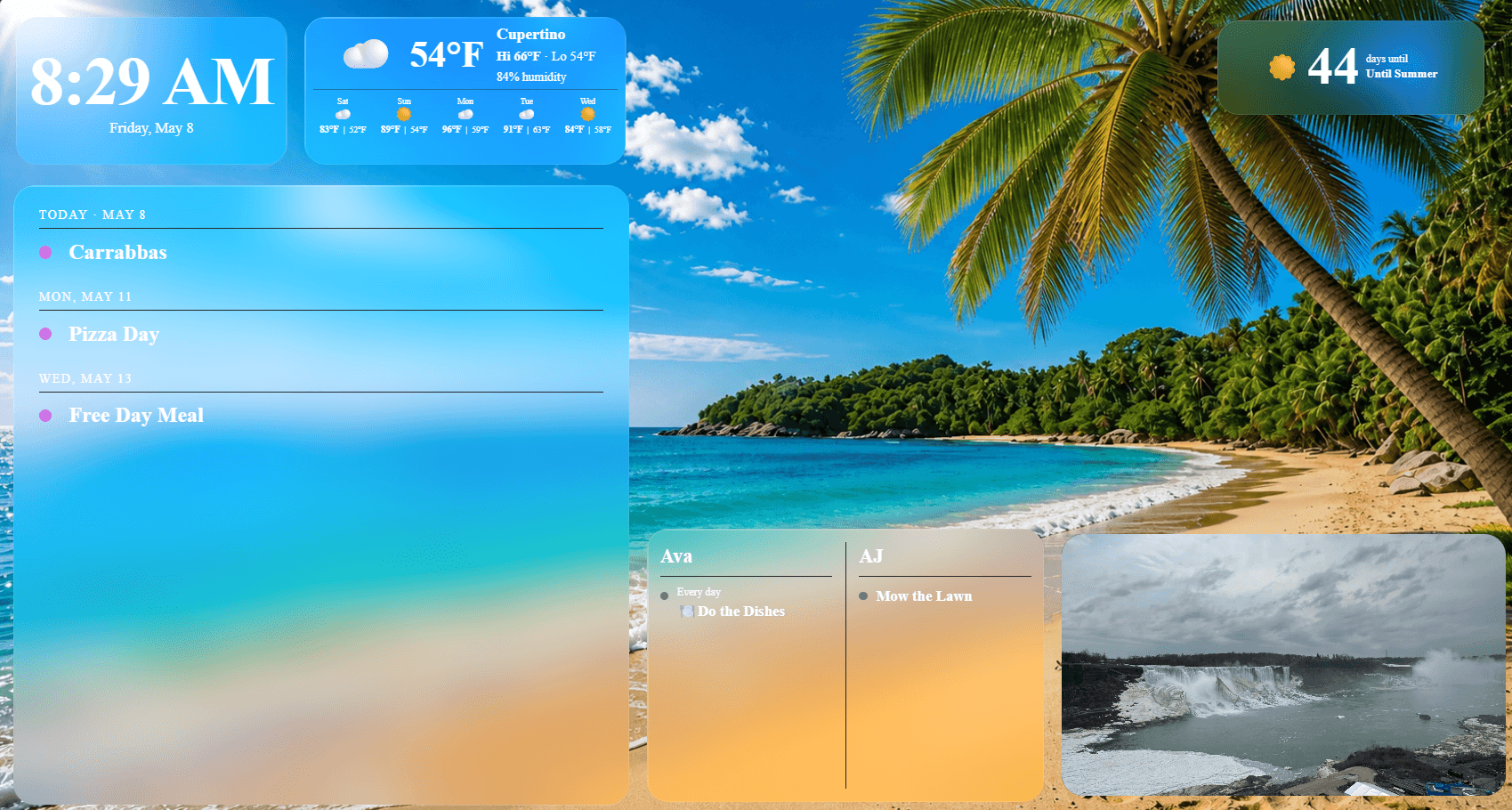
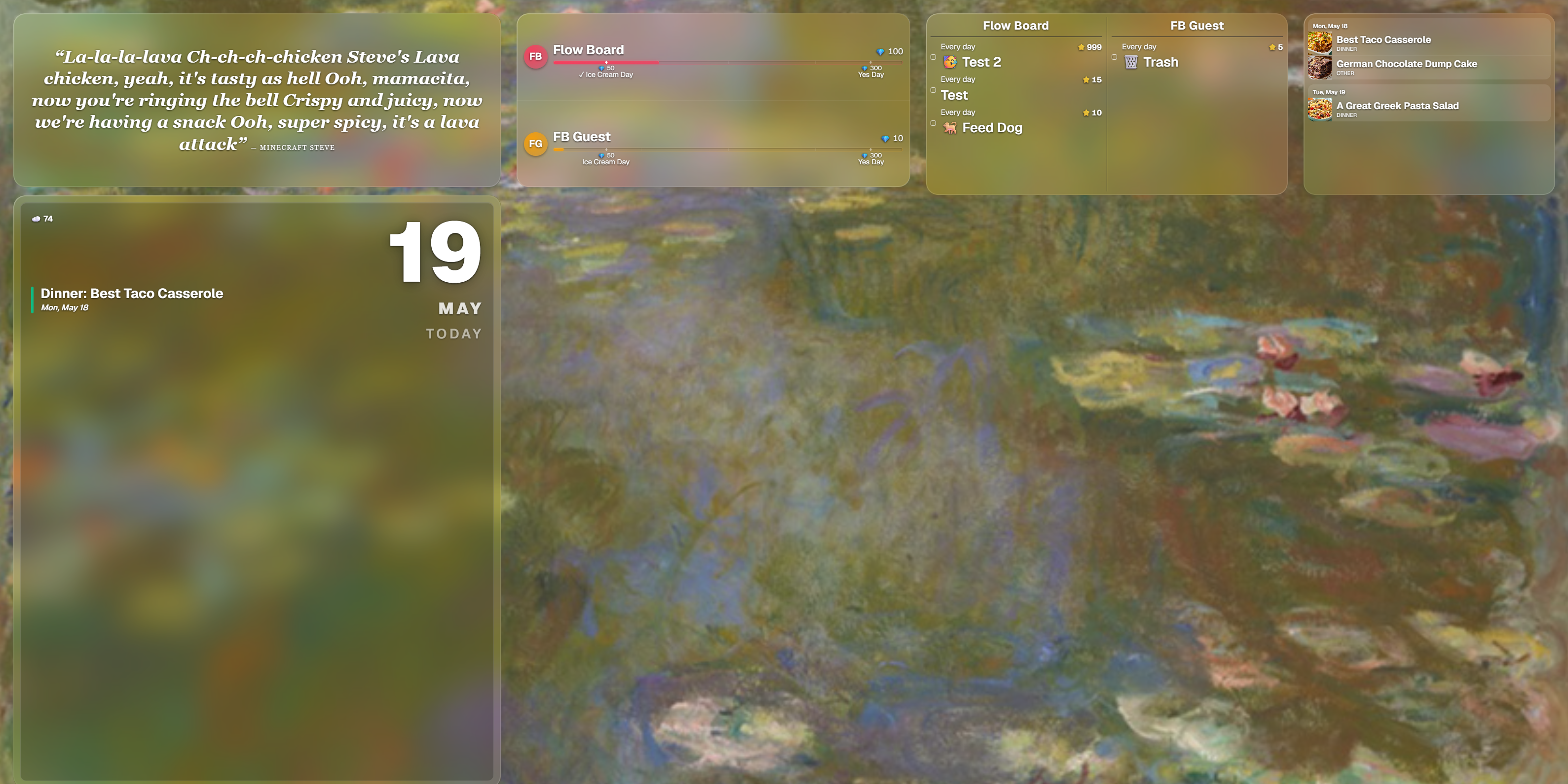
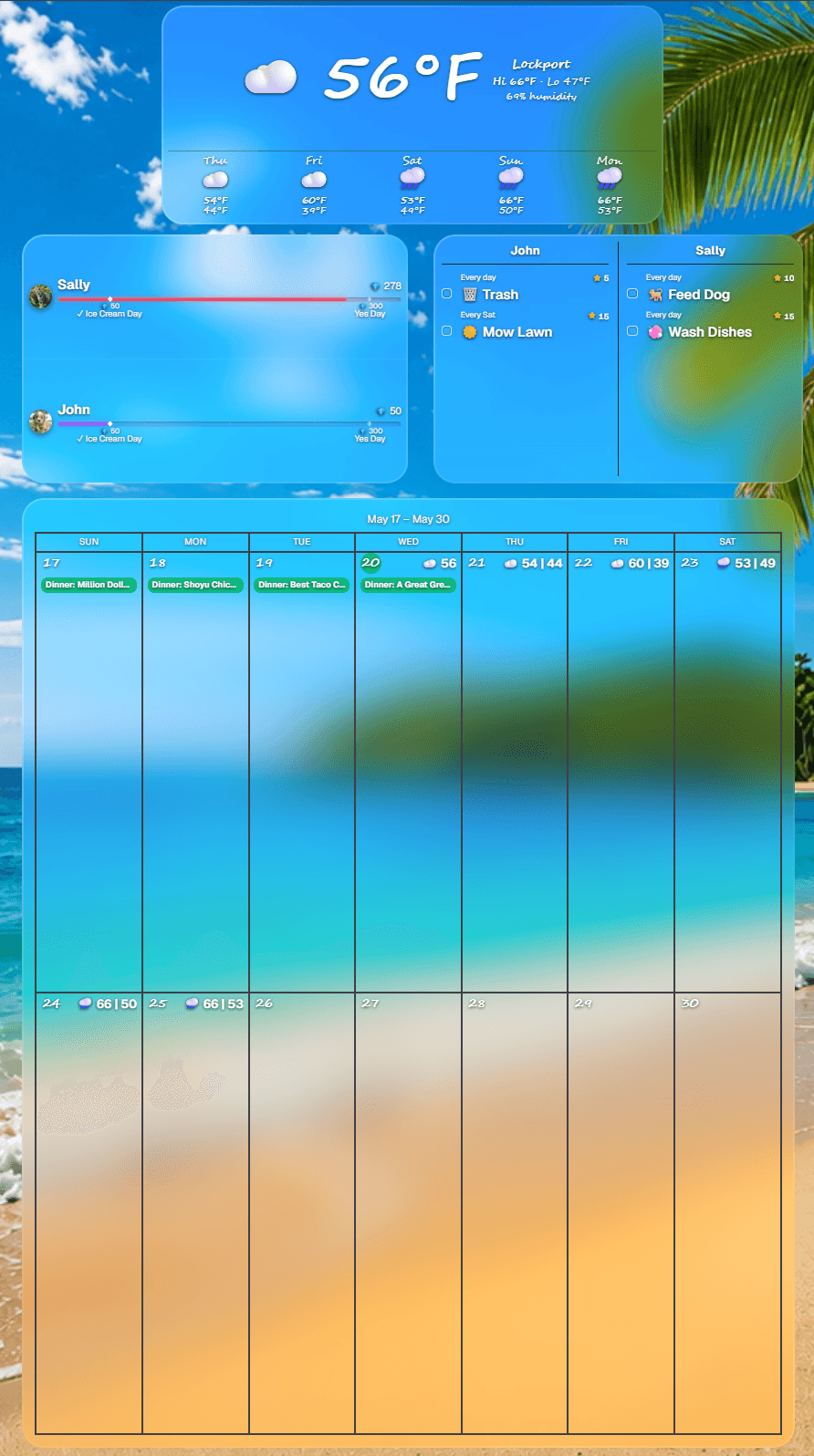
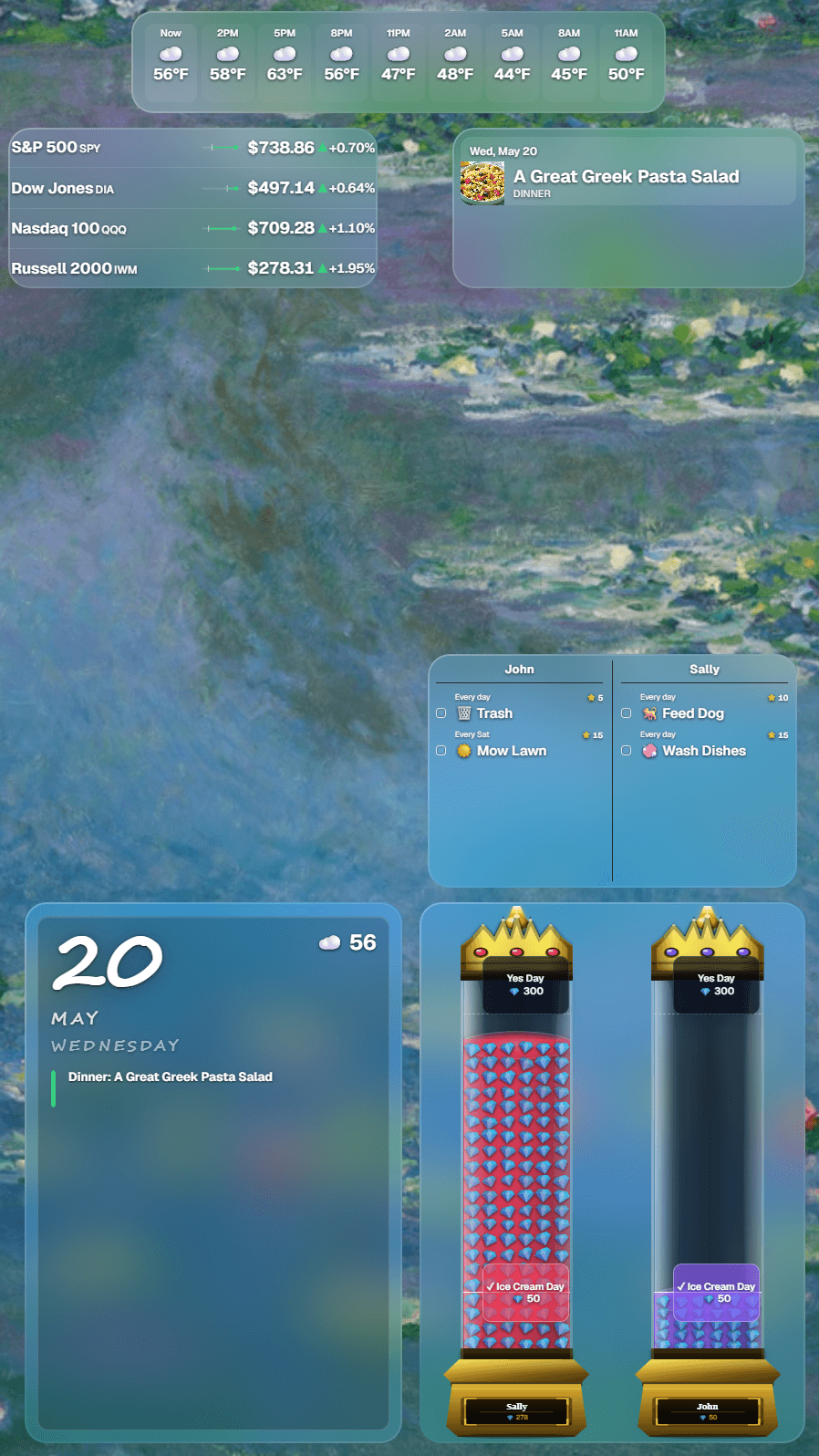
Two ways to run your board. Delta is ready the moment you pair a screen, with tabs for calendar, chores, meals, and rewards. Or build your own and mix and match widgets to fit your family's style, whether the screen is wide, tall, mounted, or handheld.
Pricing
Finally, family software without the upsell maze
Start with 30 days of full access and no credit card. After that, keep core widgets on the free plan or subscribe for the whole board.
Free
$0
Forever after trial. No card, no expiry.
Calendar and weather on your display.
Clock and daily quotes.
Widget customization and included backgrounds.
1 display included.
Full trial first, no credit card required
Whole Board Access
$4.99/month
Covers 2 displays. Add more for $2.99/month each.
Includes a 30-day full access trial with no credit card.
Chores, rewards, todos, countdowns, photos, Tributary PDF imports, and more.
No hidden fees. No feature tiers.
Full access to every tool Flowboard builds.
Choose free or paid when the trial ends
Refer a friend, get a free month. Share your personal link from the app. When your friend subscribes, one month of Flowboard comes off your next bill.
Free plan workspaces with no dashboard sign-in or active display connection for 30 days may be removed. Cleanup applies to workspace data only: account history, trial records, and billing history are preserved.