Bring your own display
Your screen.
Your family board.
No proprietary hardware. No subscription hardware fees. Flowboard runs on the screens you already own: streaming sticks, smart TVs, tablets, iPads, Windows PCs, or a plain web browser. Set it up in minutes. Native Samsung and LG smart TV apps are on the way, so newer TVs will not need a stick at all.
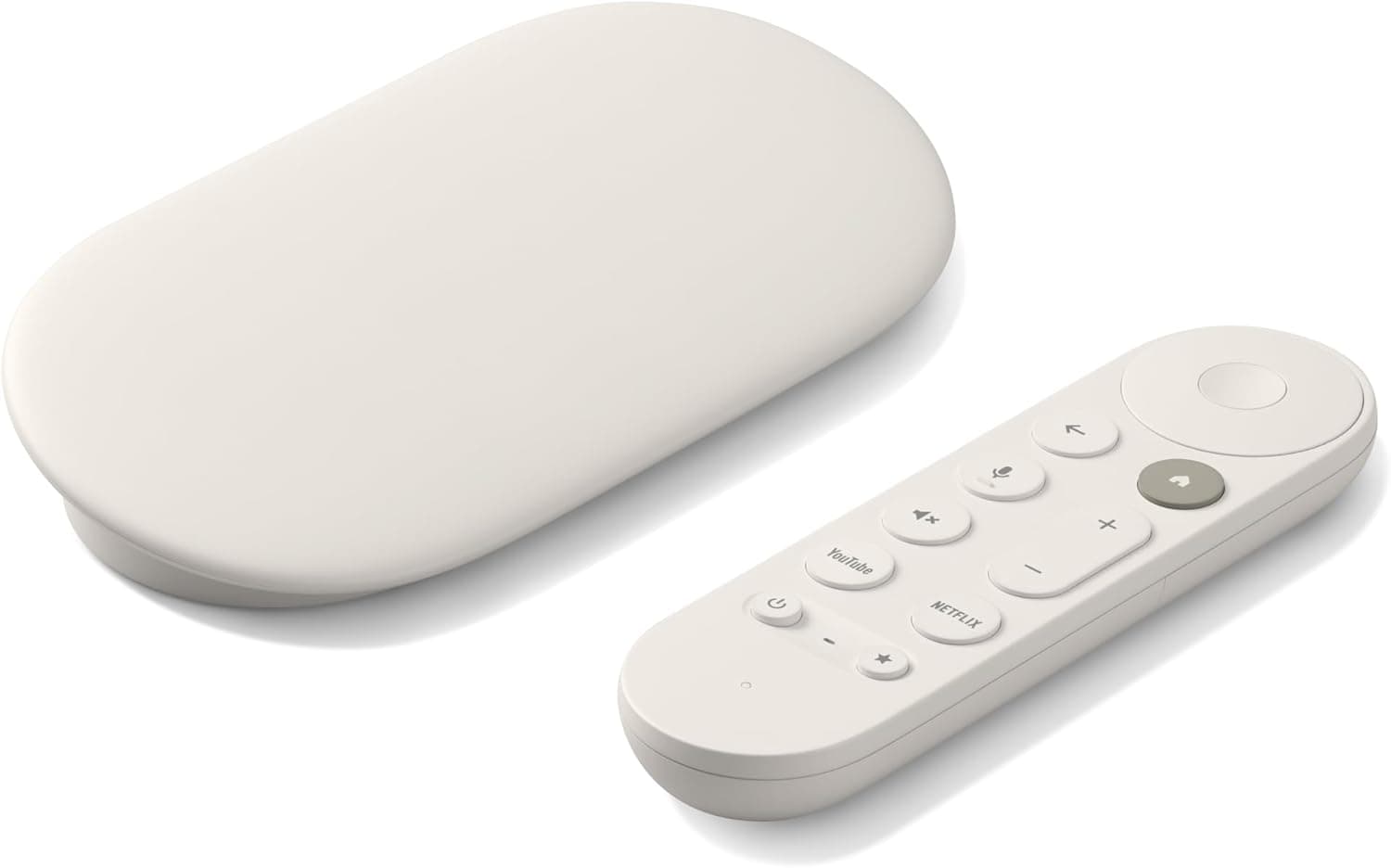 Streaming
Google TV Streamer
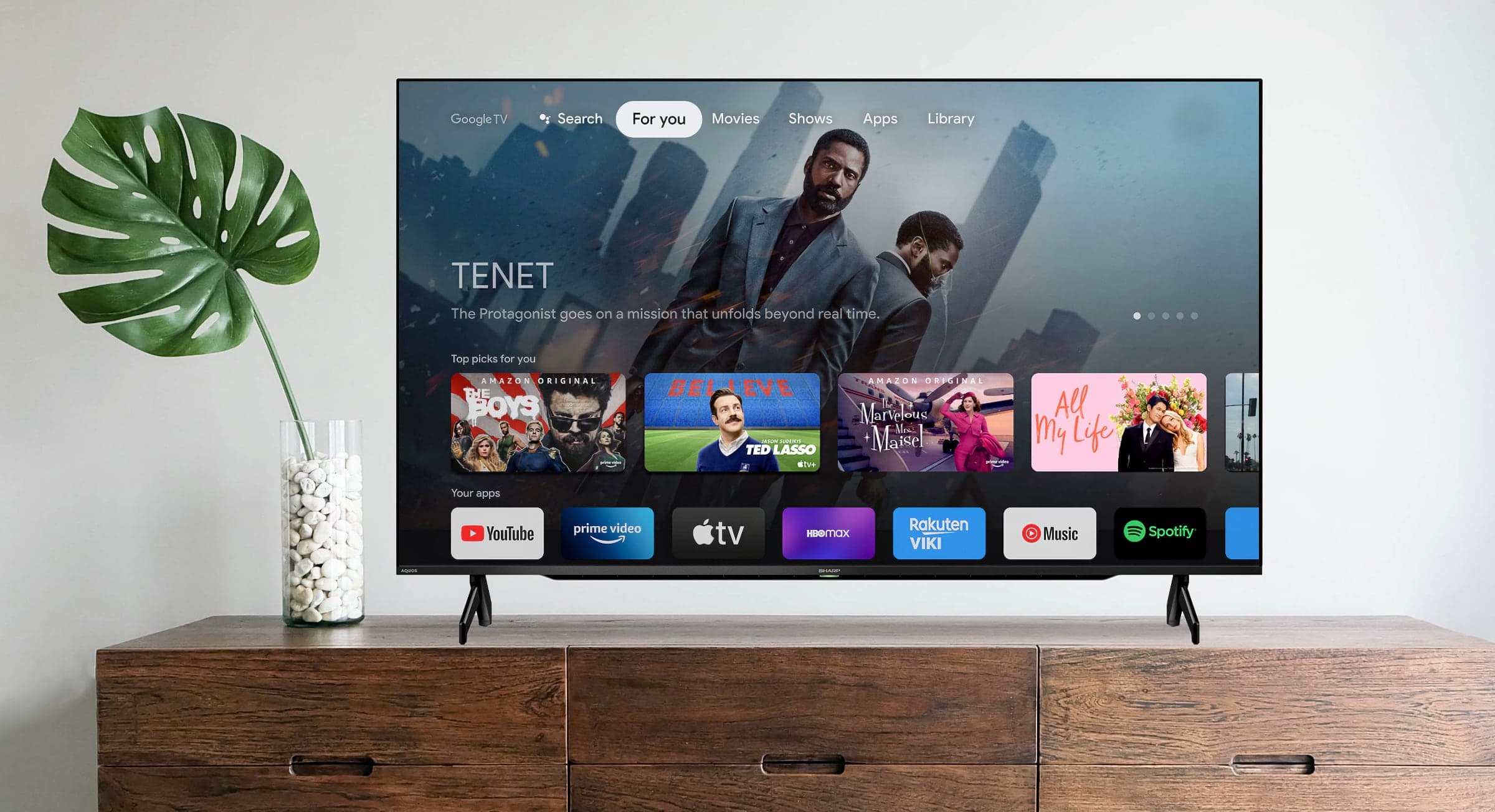 Smart TV
Google TV
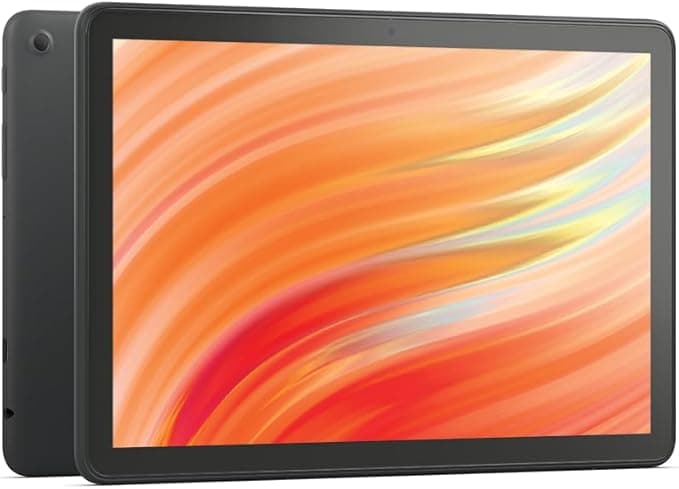 AndroidTablet
Android Tablet
 PC
PCWindows PC
Streaming Devices
Plug in and go
Any streaming stick or box that runs Android TV, Google TV, or Fire OS can run Flowboard. Plug it into any HDMI TV and your family board is on the wall.
Google TV Streamer
4K Google TV with Google Assistant
Google TV
Any Google or Android Smart TV
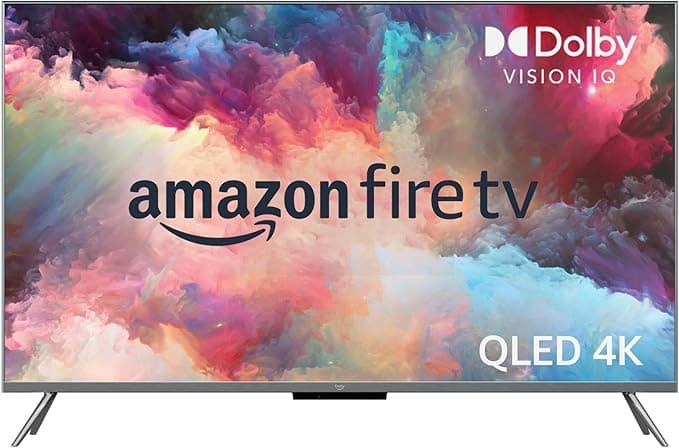
Amazon Fire TV
Fire TV Stick and Fire TV cubes
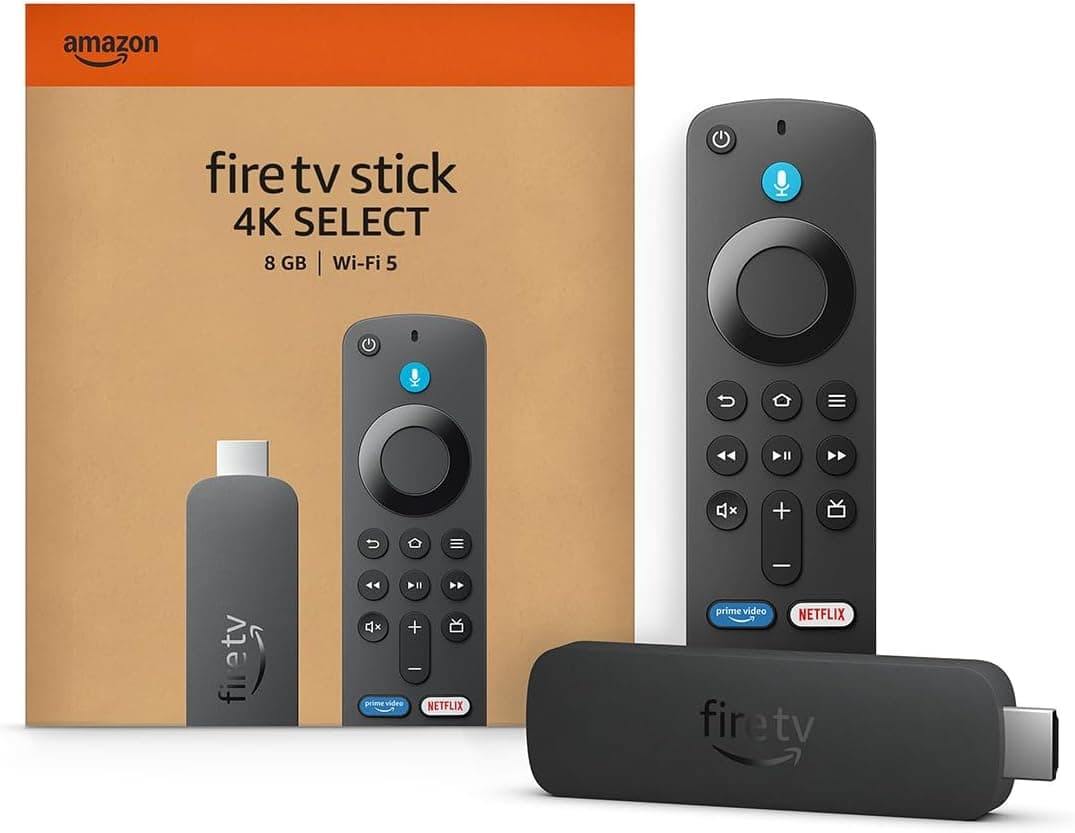
Amazon Fire Stick
Any Android based Fire Stick
Newer non-Android Fire Sticks not compatible
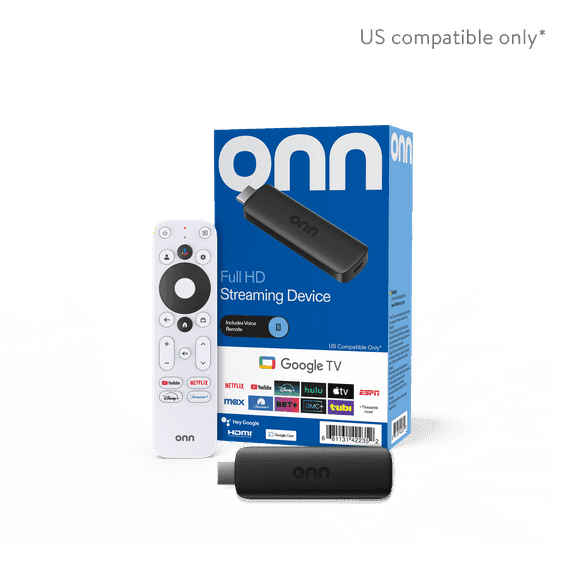
onn. Google TV
Affordable Google TV streaming stick
No extra hardware cost
If you already own a Fire Stick, Google TV Streamer, or onn. stick, you need nothing else.
Any HDMI TV
Works with any TV that has an HDMI port. Mount the stick behind the TV and it disappears.
1080p and 4K ready
Flowboard renders at whatever resolution your TV supports. Calendar text and photos stay crisp.
No Stick Required
Some TVs skip the stick entirely
On the TVs below, Flowboard installs on the set itself with nothing plugged into the HDMI port. The board is the same either way: your TV remote moves a focus ring between the things you can pick, and chores, to-dos, and rewards can all be completed from the couch.
Installs on the TV itself
- Available now
Fire TV built-in
Toshiba and Insignia Fire TV sets, via the Amazon Appstore
- Coming soon
Google TV built-in
Sony, TCL, Hisense and Philips Google TV sets, via Google Play
 Coming soon
Samsung
Tizen, models from 2023 and newer
 Coming soon
LG
webOS, supported models confirmed at submission
Every other TV
Waiting on your TV's app is optional. Any TV with an HDMI port runs Flowboard today, Samsung and LG sets included, using a streaming stick or the web display link in the TV's own browser.
- ✓Same board, same layouts, same remote controls
- ✓A stick you already own costs you nothing extra
- ✓The TV app just removes the stick later
Tablets
Wall-mount it. Counter it. Touch it.
Android and Fire tablets are perfect portrait displays for kitchens, hallways, and bedrooms. Mount one to the wall or prop it on a counter and it becomes a dedicated family hub that family members can interact with directly.
- ✓Portrait layout optimized for tablet aspect ratios
- ✓Tap chores directly on screen to mark them complete
- ✓Tap to-do items to check them off without opening a browser
- ✓Works with any Android tablet or Amazon Fire tablet
- ✓No keyboard or mouse needed
AndroidAndroid Tablet
Any Android tablet via Google Play
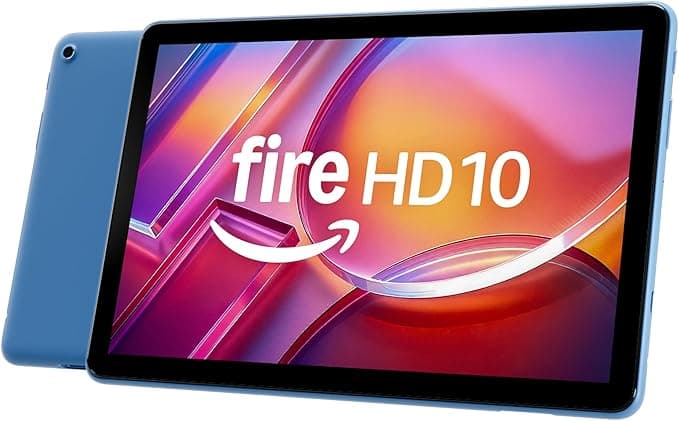
Amazon Fire Tablet
All Fire HD models via Amazon Appstore
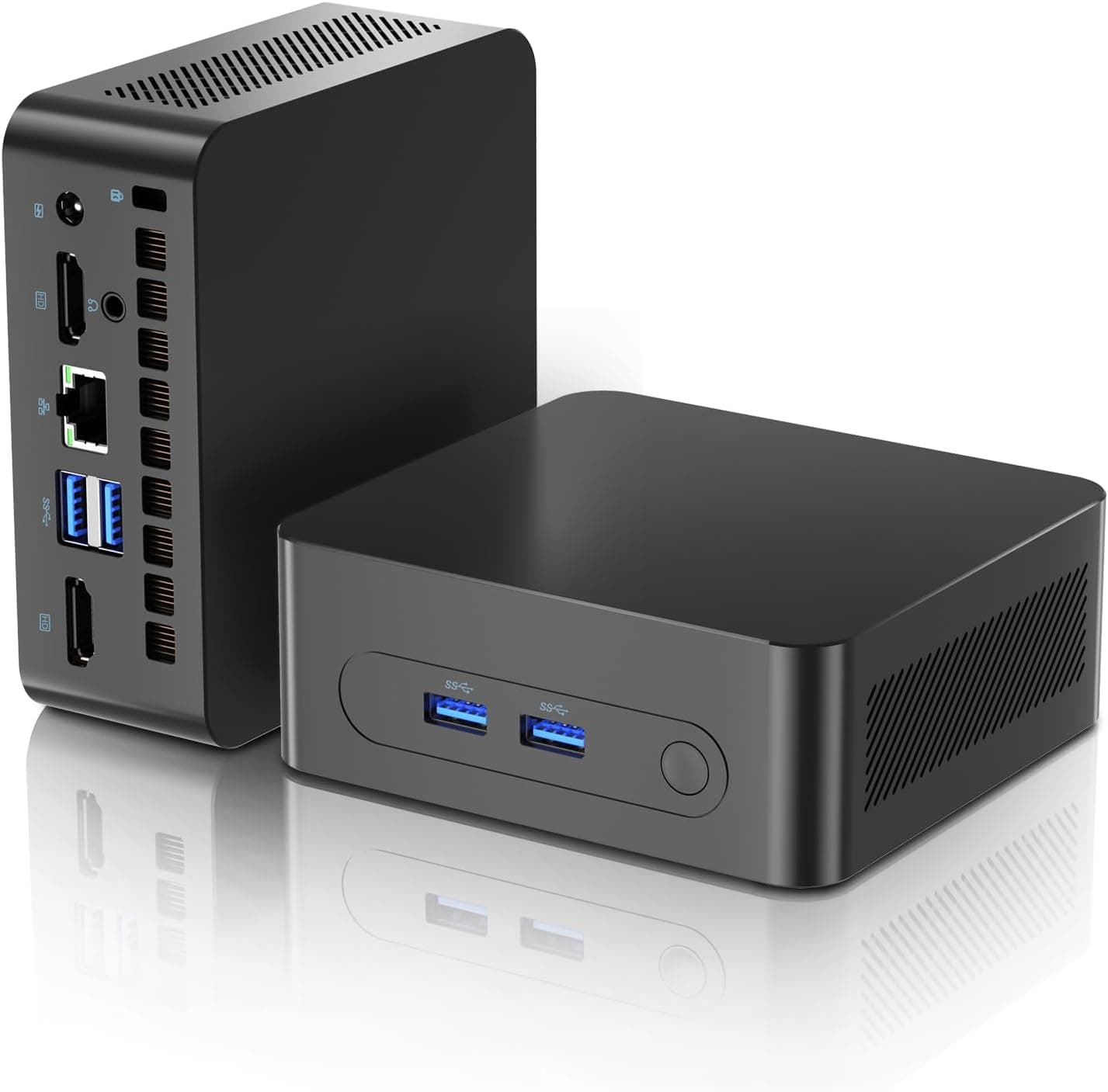
A compact Windows mini PC drives the display from behind the TV
Windows PC
A mini PC hidden behind the TV
A compact Windows mini PC plugged into any TV delivers a full desktop-class display experience. The Flowboard Windows app from the Microsoft Store runs full-screen on boot with no browser chrome visible.
- ✓Dedicated Windows app available now on the Microsoft Store
- ✓Runs full-screen on startup, no browser visible
- ✓Supports 1080p and 4K displays
- ✓Works with any HDMI or DisplayPort TV or monitor
- ✓Small enough to mount behind a TV with a VESA adapter
iPad & Mac
Have an old iPad? Put it on the wall
Flowboard runs on iPad and Mac as a web app, so there is no app store download. Scan a QR code from your dashboard, add Flowboard to your home screen, and it opens full screen like an app. A spare iPad makes a great kitchen counter or hallway board.
- ✓Works in Safari on iPad and Mac, no app store needed
- ✓Launches full screen from its own icon, no browser bars
- ✓Keeps the screen awake while your board is up on recent iPads and Macs
- ✓Portrait or landscape, wall mount or counter stand
Get your display link
Sign in at flowboard.family, open Settings, then Devices, and use the Web display card to get your display link and QR code.
Open it in Safari
Scan the QR code with the iPad camera, or open the link in Safari on a Mac.
Add it to the home screen
Tap the Share icon, then choose Add to Home Screen on iPad or Add to Dock on Mac. Flowboard launches from the new icon and runs full screen with no browser bars.
Get the app for your device
Available now on the Microsoft Store and Amazon Appstore. Coming soon to Google Play, and to Samsung and LG smart TVs.
Google Play
Google TV & tablets
Coming soonAmazon Appstore
Fire TV, Stick & tablets
Available now
Microsoft Store
Windows PCs & mini PCs
Available nowSamsung TV Apps
Samsung TVs, 2023 & newer
Coming soonLG Content Store
LG webOS TVs
Coming soonLayout
Landscape for TVs. Portrait for tablets.
Switch between landscape and portrait in Display Layout settings. Every widget reflows automatically to fit the orientation you choose.
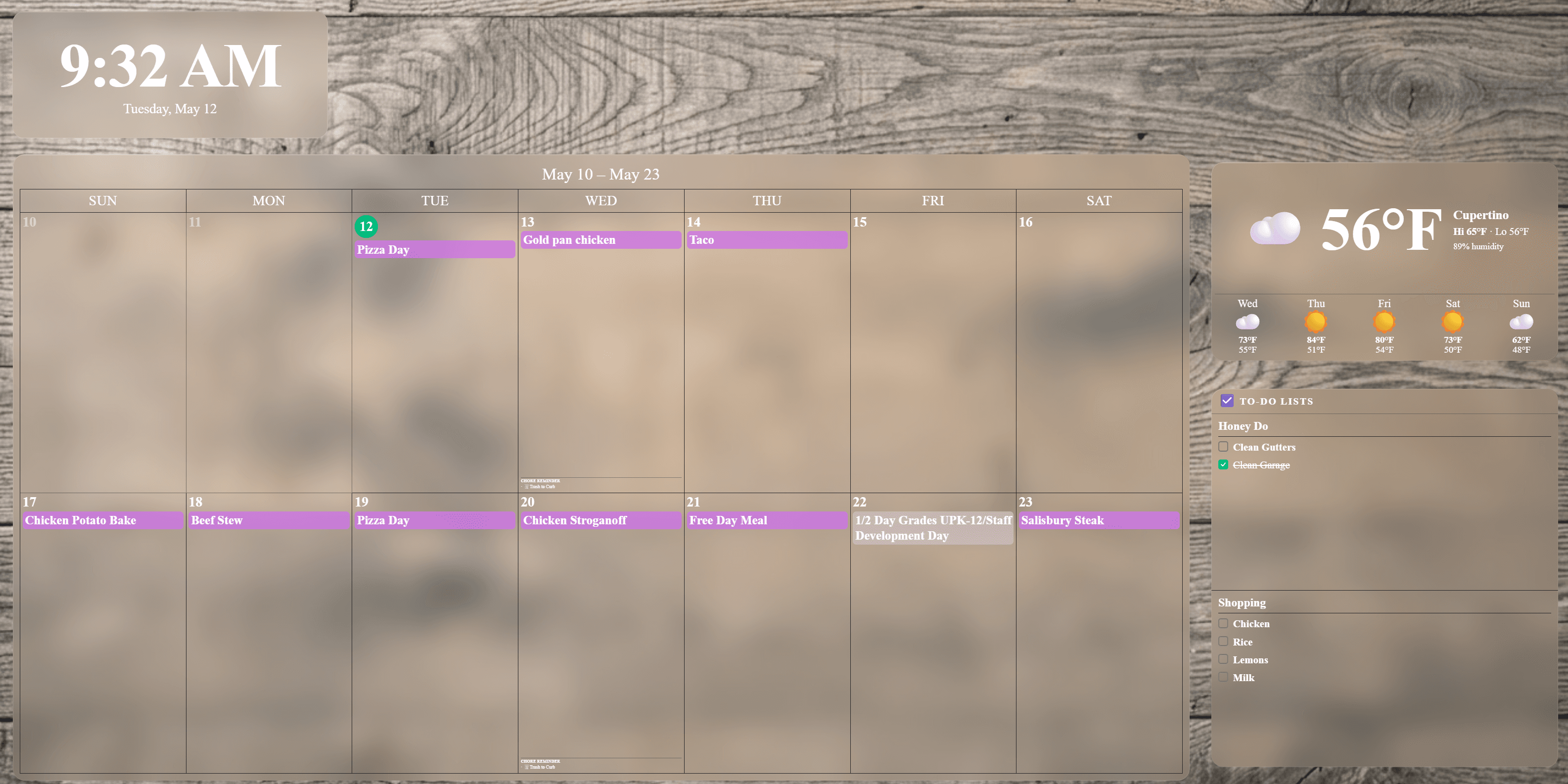
Landscape layout, ideal for wall-mounted TVs and monitors
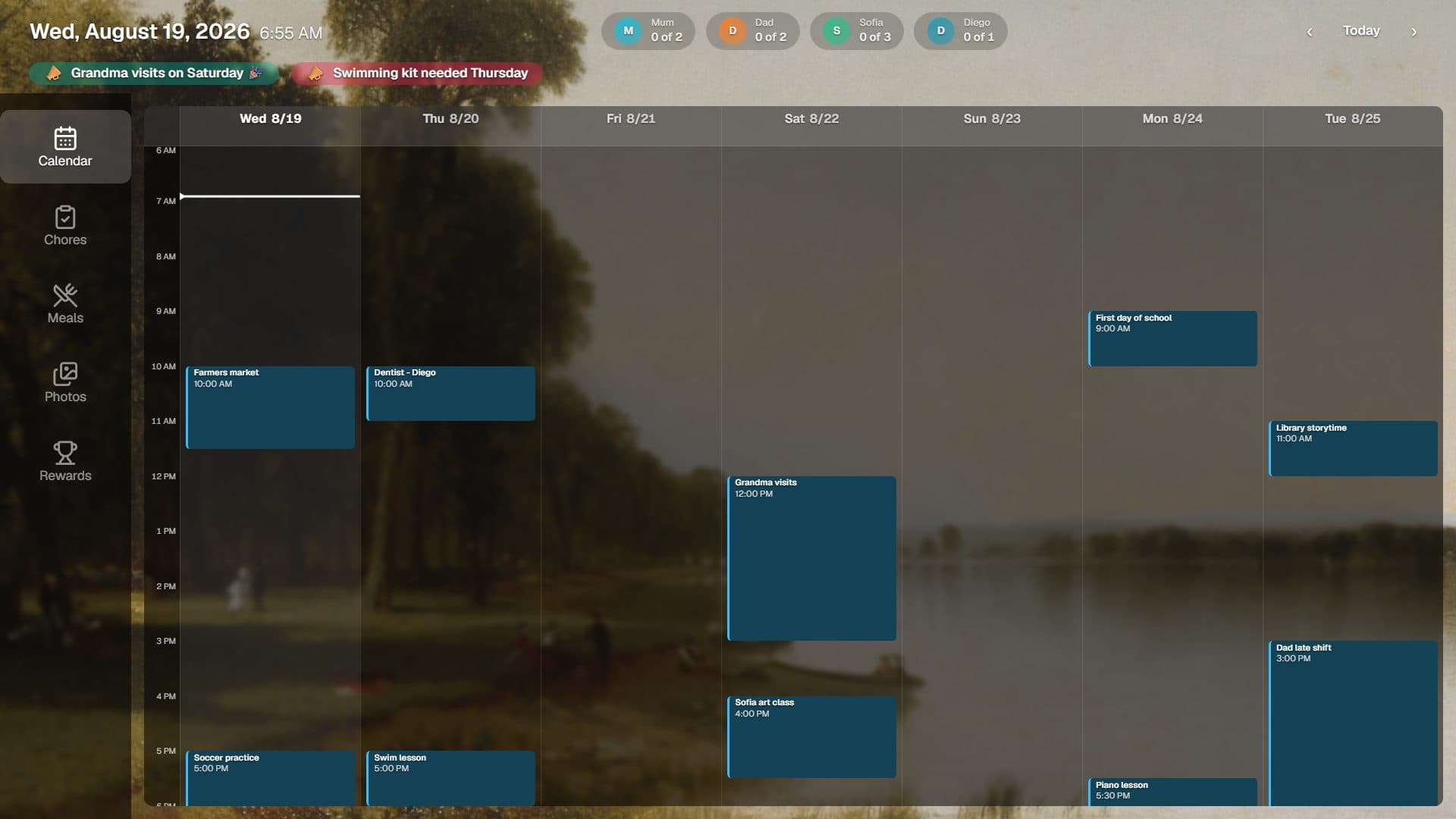
Delta, the ready-made tabbed board, in the same landscape orientation
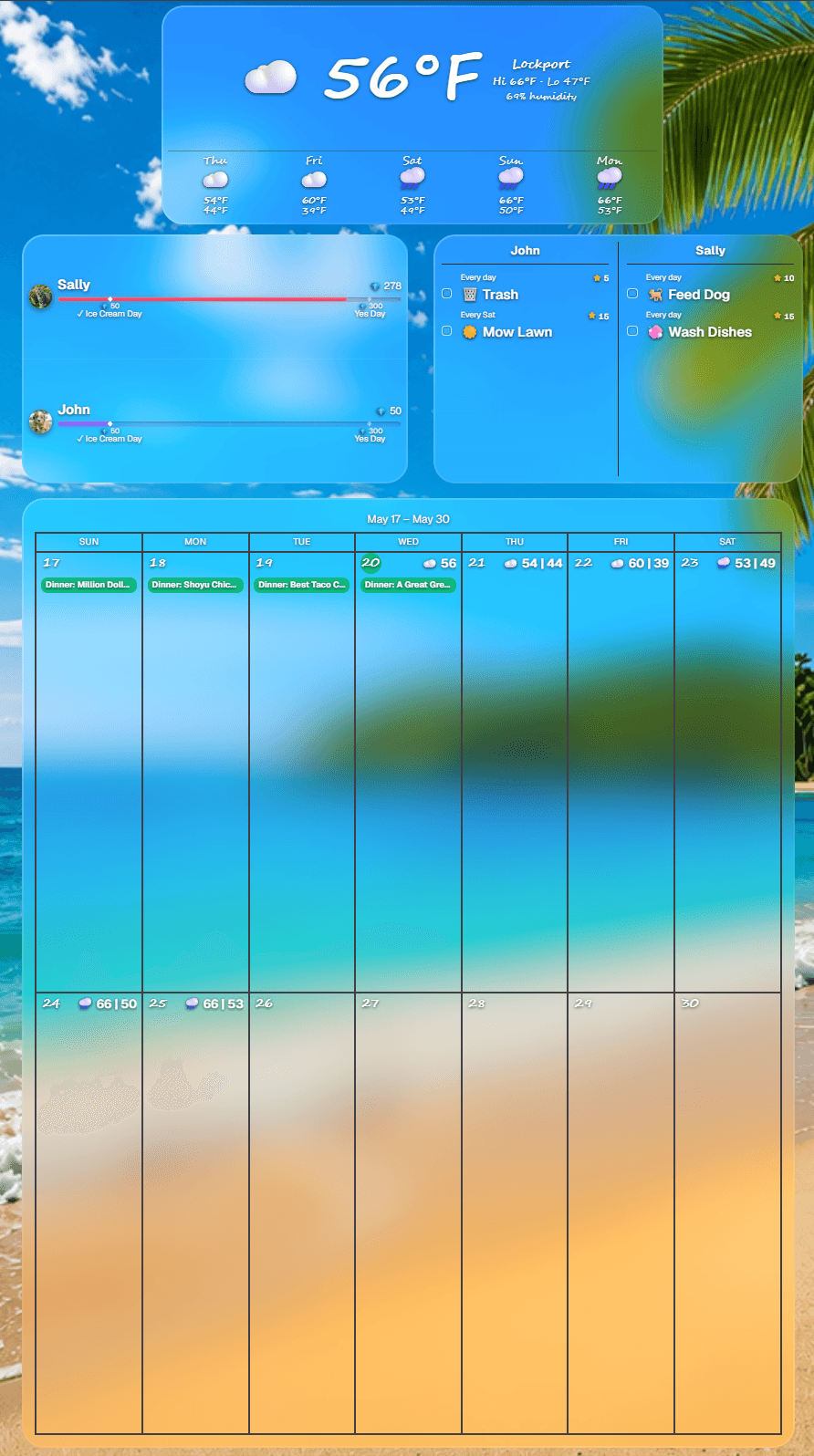
Portrait layout, ideal for wall-mounted tablets and kitchen counters
Delta gives you a board that works the moment you pair a screen, with tabs for calendar, chores, meals, and rewards. Build your own layout instead whenever you want the control.
Design it exactly how you want
The Display Layout editor makes arranging your board effortless from any phone or computer.
Snap into alignment
Drag a widget and it snaps to the others and to the screen center, with guide lines so everything lines up cleanly.
Arrange several at once
Select multiple widgets to move, space, and align them together, then undo or redo any change.
A full-size canvas
The editor fills your screen, so you see exactly what the TV will show while you build the layout.
Up and running in three steps
No cables to run. No accounts to create on the TV side.
Install on your screen
Download Flowboard on your Fire Stick, Google TV device, tablet, or Windows PC. Open it and a pairing code and QR code appear.
Scan to pair from your phone
Scan the QR code on the screen with your phone and the display pairs in seconds. You can also sign in at flowboard.family, go to Devices, and enter the code from any browser.
Customize and go
Pick a starter layout, tweak your widgets, set a background, and your family board is live on the wall.
Ready to put Flowboard on your wall?
30-day full-access trial. No credit card needed. Your screen, your board.
Start free trial